
How to Transmogrify Items and Equip Cosmetics in Diablo 4
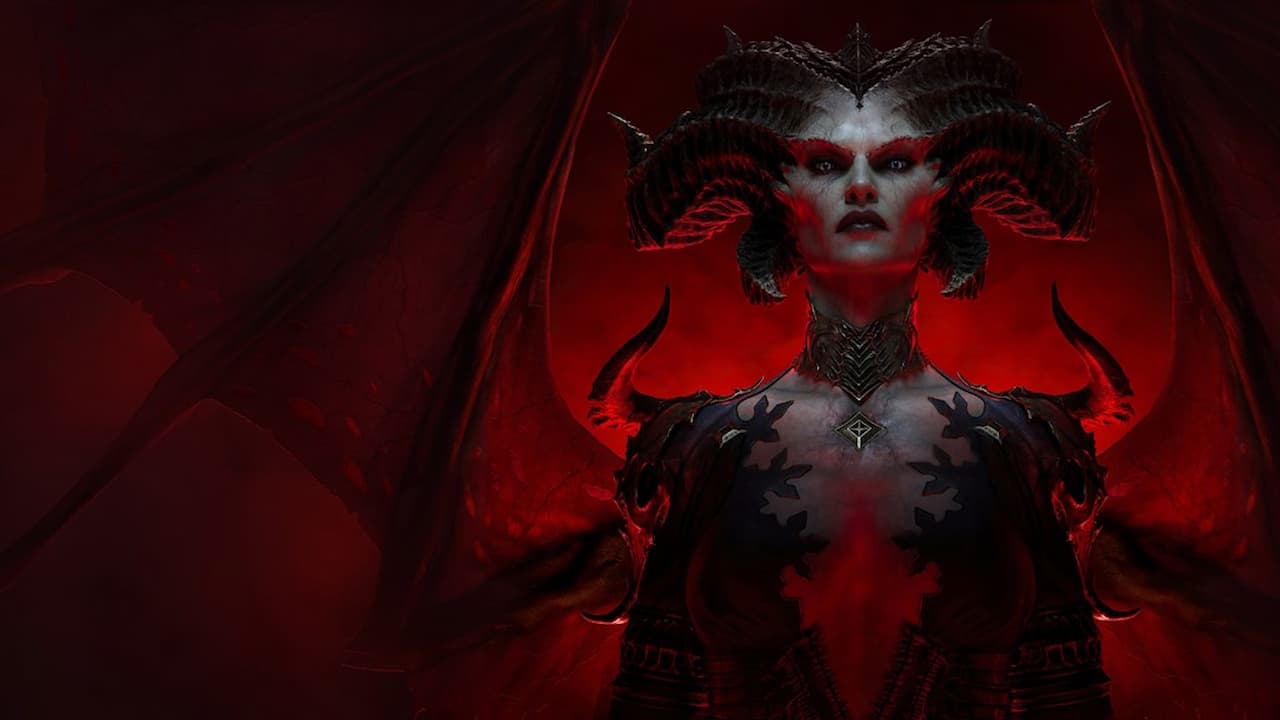
Learn how to transmogrify items and equip cosmetics in Diablo 4 so that you look your best while slaying demons.
As much fun as it is exploring Sanctuary and slaying hordes of demons, beasts and the undead in Diablo 4, it’s simply better when your character also looks the part. Every item you equip in Diablo 4 effects your appearance in some way, and so you can journey the world in a mish-mash of attire if you want. Most, though, will either want to transmogrify their items so that they’re more coordinated, or equip cosmetics that they’ve purchased with real money or acquired via a battle pass.
Transmogrifying items
To transmogrify items in Diablo 4, players first need to unlock transmogrification options by salvaging items. If you hover over some items in your inventory, you’ll see that some of them will state “Unlocks a new look on salvage”. This means that if you salvage one of those items, you’ll be able to make other items look like them in the future. Before dropping or selling unwanted items, then, it’s a good idea to make sure they don’t unlock a new look by salvaging them first.
Once you have some transmogrification options unlocked, you can apply them by visiting a wardrobe. You’ll find one of these in most towns – they’re generally right at the side of your stash. Interact with a wardrobe, and on the screen that appears you’ll see that you can select each armor piece you have equipped on the right hand side. Select one, and you can then change its appearance, first selecting a style and then its colour. If you press the left or right trigger to go to the Items option, you can also change the appearance of your weapons and off-hand items.
Equipping cosmetics in Diablo 4
Equipping cosmetics is essentially the same as transmogrifying in Diablo 4. Once you’ve purchased or unlocked some cosmetics, simply head to a wardrobe to apply them. They’ll appear in your variant options along with the others you’ve unlocked by salvaging items. Miscellaneous items that you can equip, such as the Beta Wolf unlocked by reaching level 20 during the open beta, can be selected by going into the Items tab.
Customising your mounts
To equip any cosmetics you’ve purchased or unlocked for your mounts, you need to visit a stable master rather than a wardrobe. Again, these can be found in most towns. Interact with a stable master and you’ll find that you can change which mount you have equipped, as well as their skin and any accessories they have attached.
Did you find this guide helpful? Please consider making a one-off donation to GameSpew. All money raised goes directly towards the running costs of the site and helps us continue to make guides, walkthroughs and more content.






