
Should You Sell or Salvage Gear in Diablo 4?
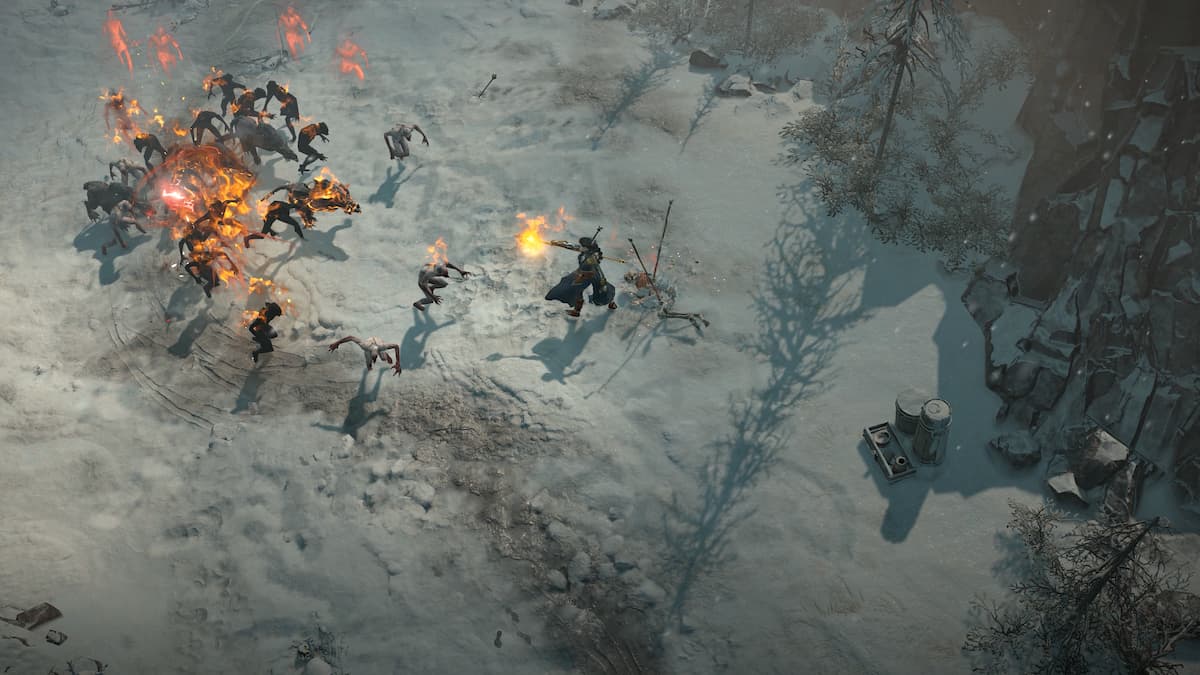
Learn whether you should sell or salvage gear in Diablo 4 with our helpful guide.
As you make your way through Diablo 4, you’re going to pick up a hell of a lot of gear that’s useless to you. So, what do you do with it? While you can just drop it on the floor if you wish, it’s better to either sell or salvage it, depending on your needs.
Selling Gear in Diablo 4
Selling unwanted gear can be done at any of the game’s vendors – just talk to them so see their wares, then switch over to the sell tab. You can even sell all items marked as junk in one go to make things easier. Of course, selling items allows you to increase your gold. With that gold, you can then do things like respect your character, as well as buy other items or modify the ones you already own.
Salvaging Gear in Diablo 4
Salvaging unwanted gear, on the other hand, can only be done by visiting a blacksmith. Again, you can salvage all items marked as junk in one go, which is handy. Salvage unwanted gear and you’ll get materials that can be used to modify other items, whether via imprinting, enchanting or simply upgrading. The rarer the item, the better the salvage you get.
Striking a Balance
So, should you sell or salvage unwanted gear in Diablo 4? Ultimately, we recommend that you perform a mixture of both. If you care what your character looks like, for example, pay attention to whether there’s a note in the item’s description that states a new appearance will be unlocked if it’s salvaged. If so, it’s probably better to salvage it. It’s also wise to salvage unwanted Legendary, Unique and Rare items for the most part, as they give valuable materials that are otherwise hard to get.
Money doesn’t come all that easy in Diablo 4, though. Unlike in Diablo 3, there aren’t ridiculous multipliers for experience and gold as you move up difficulties. If you need money, then, perhaps sell Rare items and below. That way, you’ll soon amass a large amount of gold. Once you’re rich, perhaps concentrate on salvaging items until your coffers are running low again.
Did you find this guide helpful? Please consider making a one-off donation to GameSpew. All money raised goes directly towards the running costs of the site and helps us continue to make guides, walkthroughs and more content.






