
How to Change Your Appearance in Diablo 4
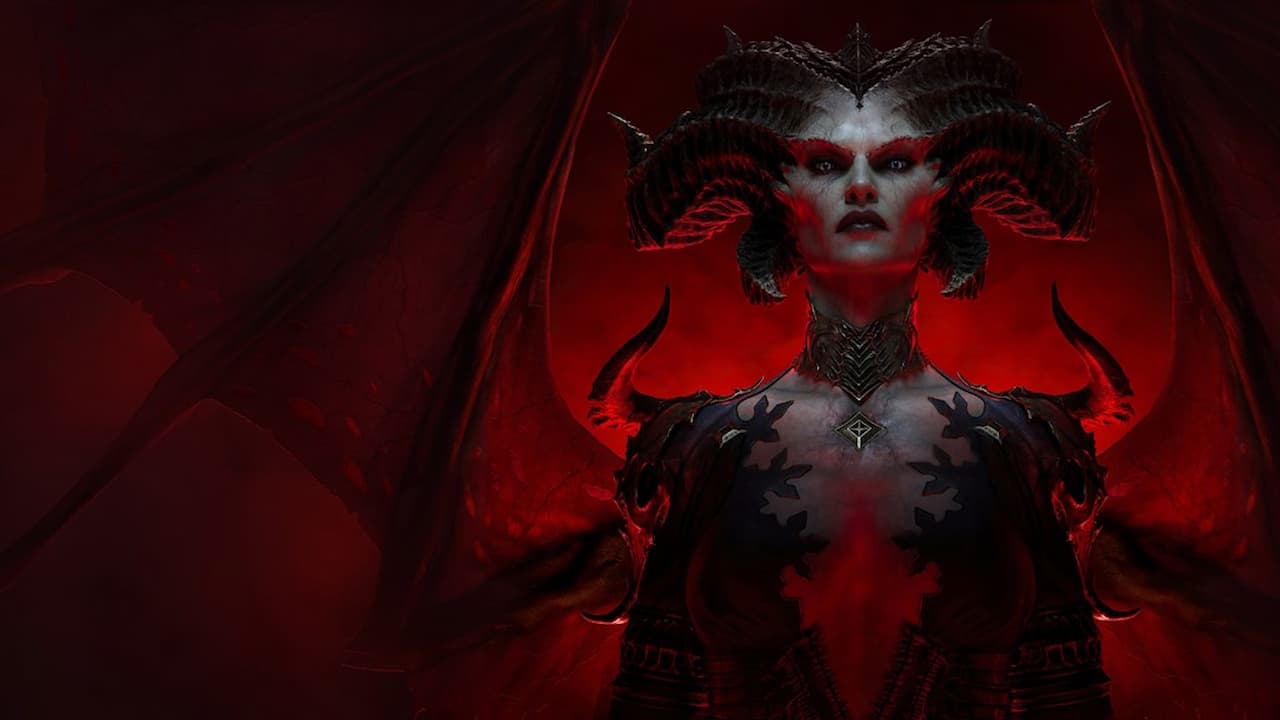
Do you want to know how to change your character’s appearance in Diablo 4? Keep on reading to find out.
For the first time in Diablo 4, you can customise your character somewhat before playing. You can choose a face type, hair style and colour, tattoos/body markings, make-up and jewellery. Your choices are limited, but we love that we can make our character our own. But once you’ve started playing, can you change your appearance in Diablo 4?
Yes, you can! To change your appearance in Diablo 4, you need to make your way to a wardrobe. Every major town in the game will have a wardrobe: it’s typically near your stash. Kyovashad is the first town you’ll come across where you can access a wardrobe.
Approach the wardrobe and press A (or X if you’re on PlayStation) to interact with it. Press your right shoulder button (R1/RB) to toggle to the appearance menu. Once you’re in there, you can change things like your make-up, jewellery, tattoos/markings, and their colour. Unfortunately, there’s currently no way to change your hairstyle: you’re stuck with whatever you chose when you created your character.
In the wardrobe menu, you can also change the appearance of your equipment. Your armour and weapons can be changed to look like anything you’ve unlocked – so the more gear you find, the more choices you’ll have. It’s here you’ll also be able to equip any cosmetic items you’ve purchased.
Did you find this guide helpful? Please consider making a one-off donation to GameSpew. All money raised goes directly towards the running costs of the site and helps us continue to make guides, walkthroughs and more content.






