
How to Save Your Game in Pokémon Let’s Go Eevee and Pikachu
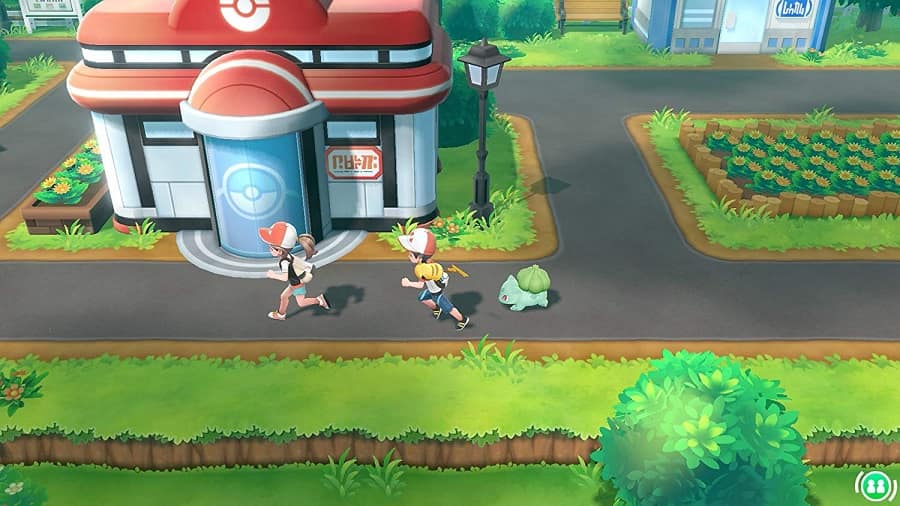
Saving your game in Pokémon Let’s Go Eevee and Pikachu couldn’t be any easier. Here’s everything you need to know.
Pokémon Let’s Go has that function we all love and hope for in every game we play: the ability to save at any point, wherever you are. Video game bliss!
That means there are no save points you need to scour the world for. Simply hit the ‘X’ button on your Switch controller, and hit ‘Save’ on the menu. When prompted on the next screen, select ‘Save Your Progress’. Unfortunately you don’t get the option to have multiple slots, so any previous save points will be overwritten any time you do this.
However! Pokémon Let’s Go has no autosave function. So if you don’t manually save your game before you quit, you’ll lose all your progress.
Therefore it’s super important that you get into the habit of heading into the menu and saving your game regularly. You don’t want to lose your collected Pokémon, any experience you’ve gained, and any story progress should you accidentally quit without saving.
Did you find this guide helpful? Please consider making a one-off donation to GameSpew. All money raised goes directly towards the running costs of the site and helps us continue to make guides, walkthroughs and more content.






