
How to Drift in KartRider: Drift
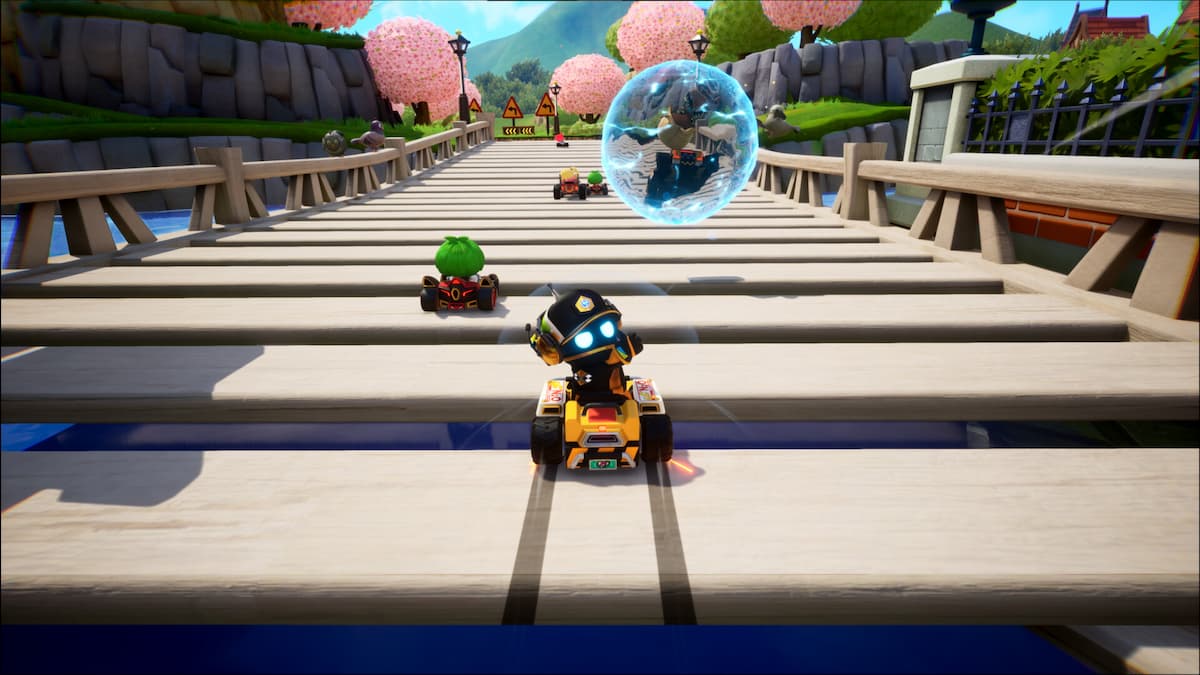
Knowing how to drift in KartRider: Drift is quite important. After all, it’s right there in the name. So here’s what you need to know.
Drifting is, quite literally, the name of the game in KartRider: Drift, and so if you don’t know how to drift you’re starting off on the wrong foot. Thankfully, it’s very easy to master, and you can pull it off with the push of a button. You’ll be sliding around those corners and ahead of the competition in no time.
To drift in KartRider: Drift, you need to push the drift button just as you’re turning into a corner. Keep hold of accelerate and the direction which you’re turning. The drift button depends on what controller you’re using, and what button scheme you have selected. You’ll find the correct buttons below:
- If you’re using keyboard, drift is either left shift or right shift
- If you’re using an Xbox controller, drift is either X or RB
- If you’re using a PlayStation controller, drift is either square or R1
You can see what control system you’re using by heading into the main menu and choosing ‘Button Guide’. But essentially, if you’re playing on a controller and accelerating with the right trigger – as is default – drift with be X/square. So: when heading into a corner, keep hold of accelerate, turn with your left stick, then press X. Keep it held until you’re back on the straight.
Happy drifting!
Did you find this guide helpful? Please consider making a one-off donation to GameSpew. All money raised goes directly towards the running costs of the site and helps us continue to make guides, walkthroughs and more content.






