
How to Use Items in KartRider: Drift
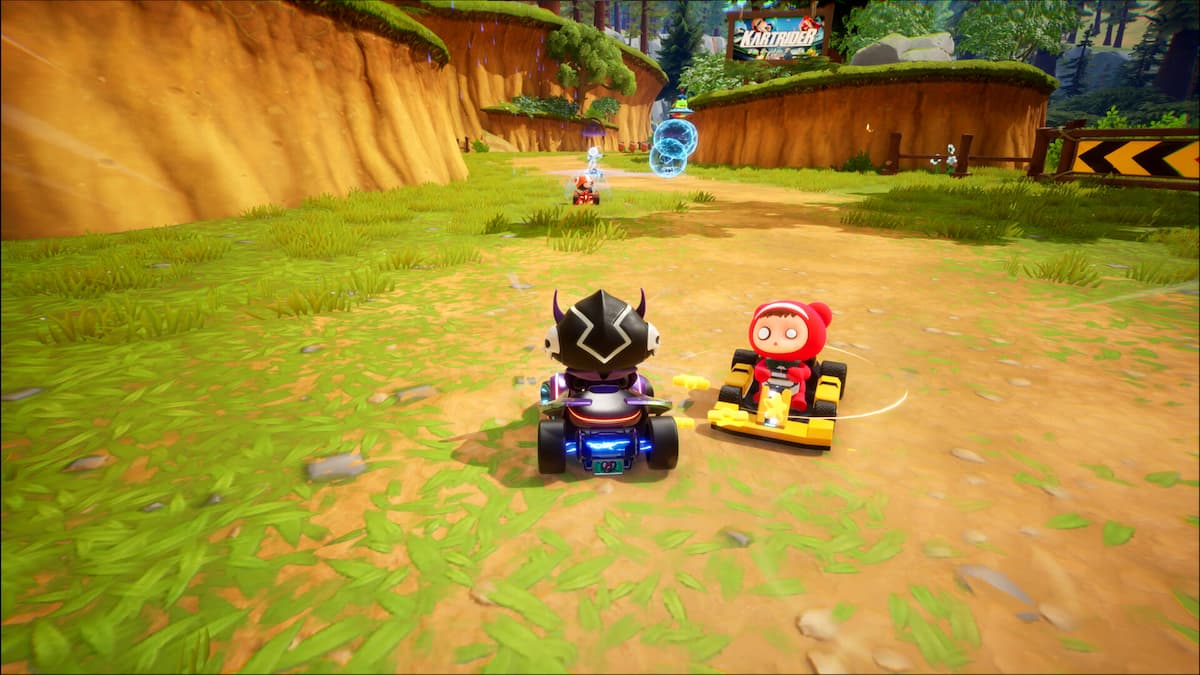
Are you wondering how to use items while playing the free-to-play KartRider: Drift? Here’s what you need to know.
Whether or not items are available depends on what mode you’re playing in KartRider: Drift. The most popular mode, though, is Items, which feels most like a traditional karting game. Here, items are tossed back and forth between players, with traps forever landing in your path and your opponents getting sneaky boosts to wind up in front of you. And so, to level the playing field, it’s very important you know how to use items in KartRider: Drift too.
Thankfully, it’s very easy. Items will be dotted around the course, hidden away in boxes. You won’t know what item you pick up until you’ve got it, at which point you’ll see an icon at the bottom of your screen. You can store up to two items at once, but since you pick them up fairly regularly, it makes sense to use them as soon as possible.
And so, to use an item, simply press ‘A’ on an Xbox controller (it’s ‘X’ on a PlayStation pad, or the left control button on keyboard). The first item in your inventory will be used first, and then the second.
Most items will be used instantly after pressing the button. However, some require to be targeted then used, so you may have to press the ‘use’ button twice. Good luck out there, and be sure to use your items to your advantage to take the win!
Did you find this guide helpful? Please consider making a one-off donation to GameSpew. All money raised goes directly towards the running costs of the site and helps us continue to make guides, walkthroughs and more content.






